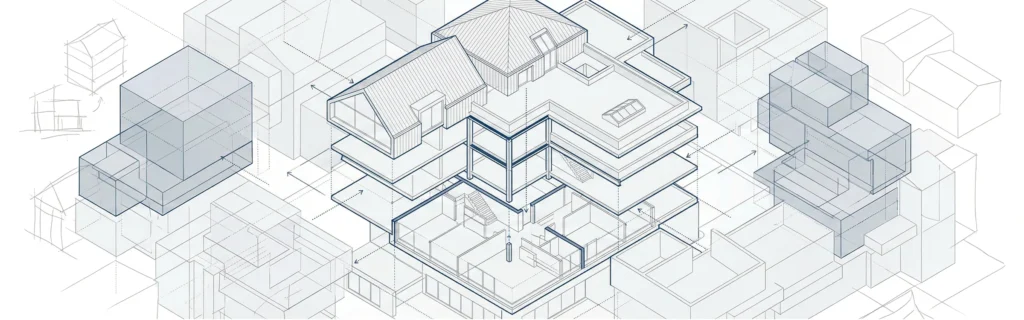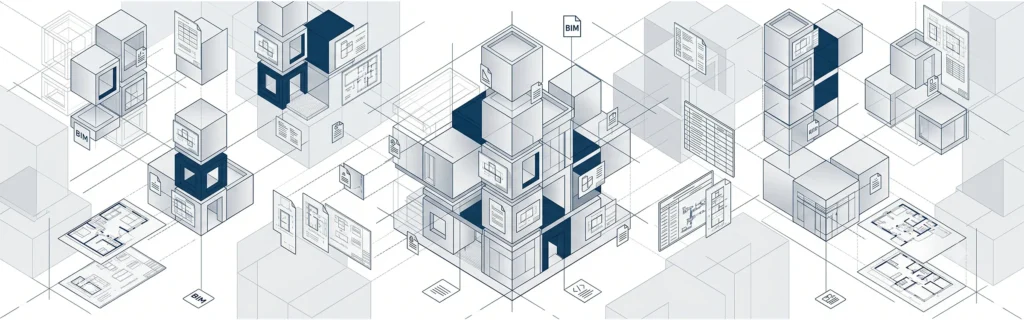

If you’re asking what is a bim file, you’re already looking beyond simple drawings and into intelligent building data.
A BIM file is a digital representation of a building or infrastructure asset created through professional BIM modeling services. Unlike traditional drawings, bim files combine geometry, metadata, relationships, and structured parameters into a coordinated bim model.
In modern construction projects, a BIM file acts as a central source of truth for all project participants – architects, engineers, contractors, and facility managers.
Instead of storing only lines and shapes, BIM files contain:
- 3D geometry
- Parametric building elements
- Material properties
- Quantities and specifications
- Construction sequences
- Project data
- External references
This structured data supports better project outcomes across the entire project lifecycle.
If you want a foundational explanation of BIM itself, see what is BIM in construction.
What Is a BIM File and How It Differs from CAD Files
Many professionals also ask: what is a .bim file?
There is no single universal .bim extension. BIM projects rely on various bim file formats depending on the software used.
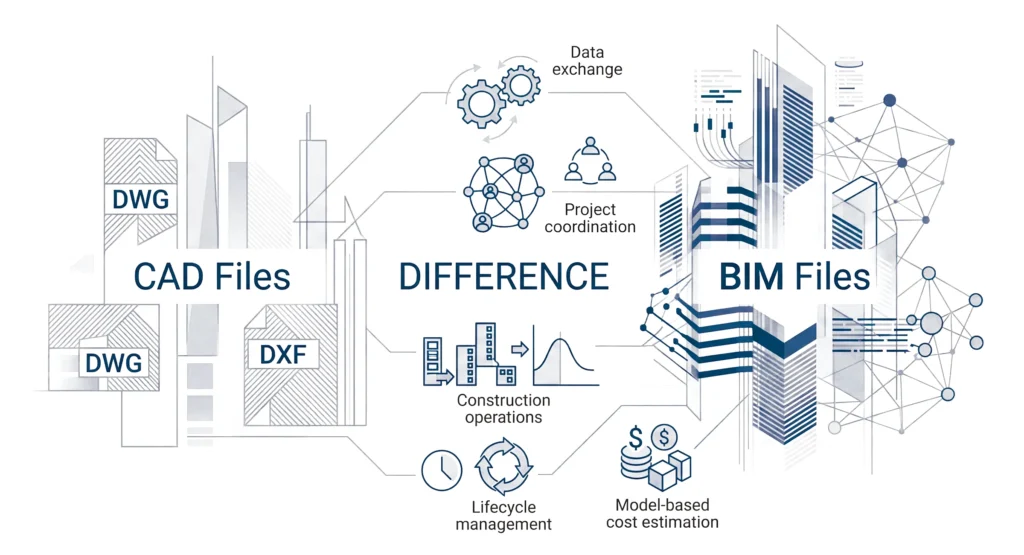
To understand the difference, compare BIM with computer aided design.
CAD Files
Traditional cad files are created using cad tools. These files, such as dwg files, primarily contain geometric data. A cad model represents shapes, lines, and surfaces – but it does not “understand” what those shapes represent.
Common cad file formats include:
- DWG
- DXF
CAD is still widely used in civil engineering, drafting, and schematic layouts. However, CAD files lack intelligent relationships between building elements.
BIM Files
In contrast, BIM files contain objects that understand their role in the building model. A wall is not just geometry – it includes material, thickness, fire rating, and connection logic to slabs and columns.
The difference between cad and bim directly affects:
- Data exchange
- Project coordination
- Construction operations
- Lifecycle management
- Model-based cost estimation
This shift from geometry to information modeling defines modern construction.
To understand how BIM functions step-by-step, see how does BIM work step by step.
What Information Is Stored Inside BIM Files?
A BIM file is far more than a 3D model. It contains coordinated information about building systems and spatial relationships.
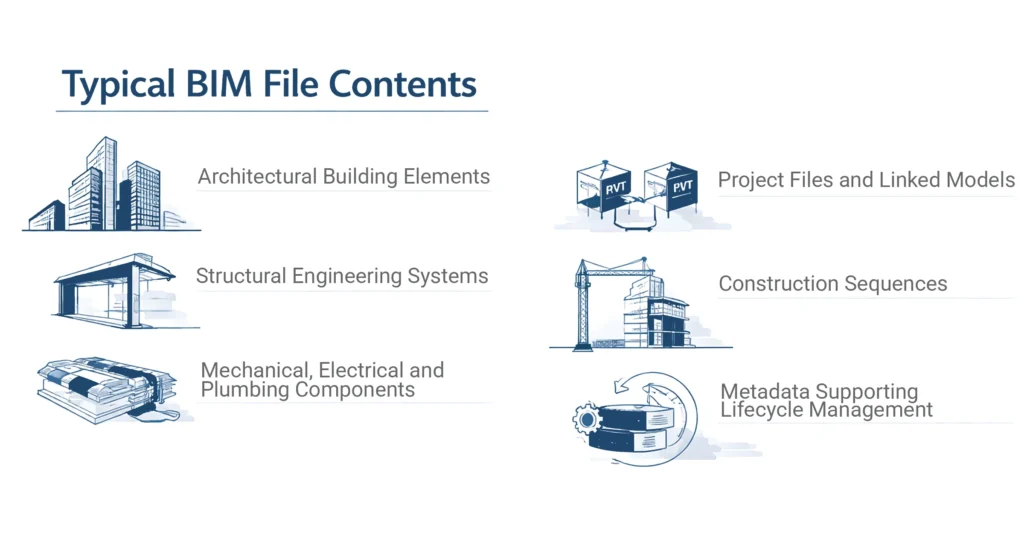
Typical BIM file contents:
- Architectural building elements
- Structural engineering systems
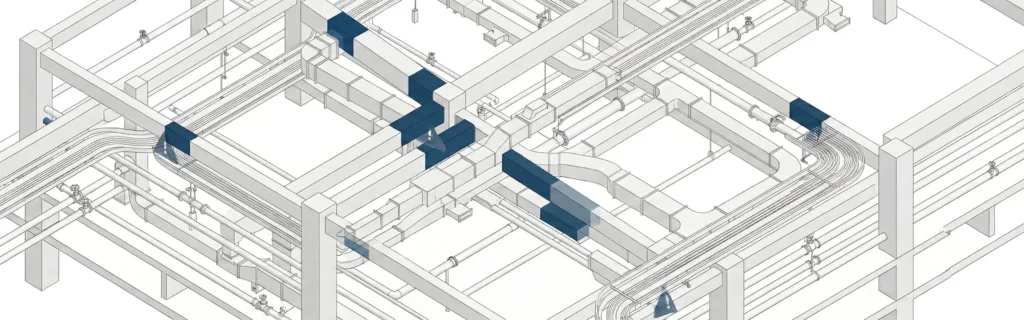
- Mechanical, electrical, and plumbing components
- Project files and linked models
- Construction sequences
- Metadata supporting lifecycle management
Because BIM files integrate geometry and structured data, they allow project teams to simulate conditions before construction begins.
This is especially valuable in:
- Complex construction projects
- Commercial building projects
- Large infrastructure programs
The ability to manage project data inside a digital representation improves predictability and reduces risk.
For deeper understanding of BIM coordination, see what is BIM coordination.
Main BIM File Formats Used in the AEC Industry
Modern BIM projects rely on multiple file formats depending on the software and workflow requirements.
Proprietary Formats Owned by Software Vendors
These are proprietary formats owned by specific software providers.
Examples include:
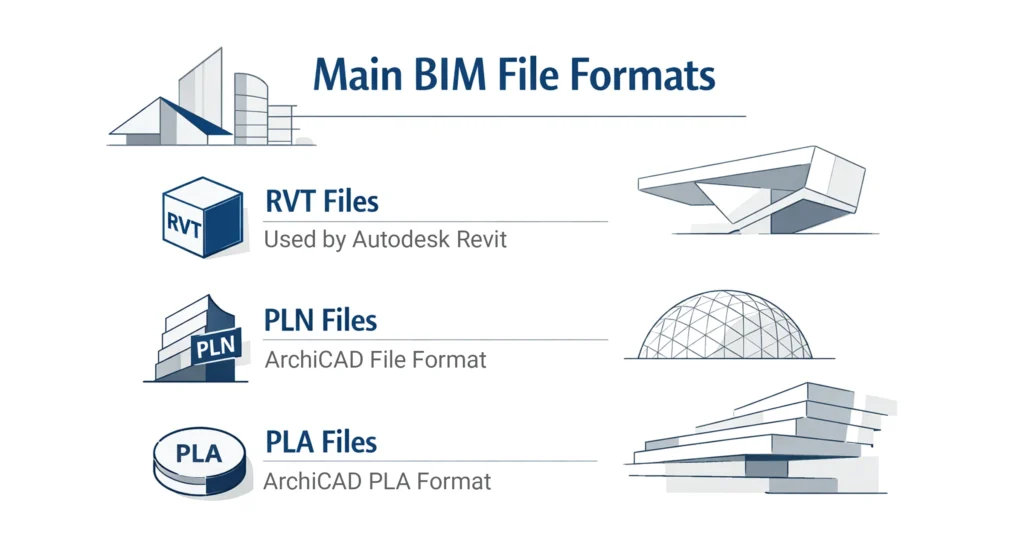
- RVT files (used by Autodesk Revit)
- The rvt file format
- Revit files saved as RVT
- PLN format (ArchiCAD)
- PLA format
These proprietary formats are optimized for their respective bim software environments. For example, Autodesk Revit uses RVT files as its primary working format.
However, proprietary formats owned by vendors can limit interoperability between different software platforms.
Open Formats and Industry Standards
To support collaboration, the AEC industry relies on open formats.
The most important is the IFC format – based on Industry Foundation Classes.
Common open formats include:
- IFC files
- IFC format
- BIM Collaboration Format
- Open formats supporting data exchange
The IFC format allows models to be shared across multiple software platforms without losing essential project data.
Open formats help maintain data integrity and support collaboration in large bim projects involving multiple disciplines.
To explore how BIM software supports these workflows, see what is BIM software .
How to Open BIM Files
One of the most practical questions is how to open bim files.
The answer depends on the bim format.
Opening RVT Files
- Use Autodesk Revit
- Ensure version compatibility
- Manage external references carefully
RVT files are native working files and are common in structural engineering and architectural projects.
Opening IFC Files
- Use IFC-compatible software tools
- Supported across different software platforms
- Ideal for coordination and review
Opening PLN or PLA Format Files
- Use ArchiCAD
For viewing-only purposes, teams often use model viewers to inspect building model geometry without editing.
BIM Files vs CAD Files in Real Construction Projects
The difference between cad and bim becomes clear in live building projects.
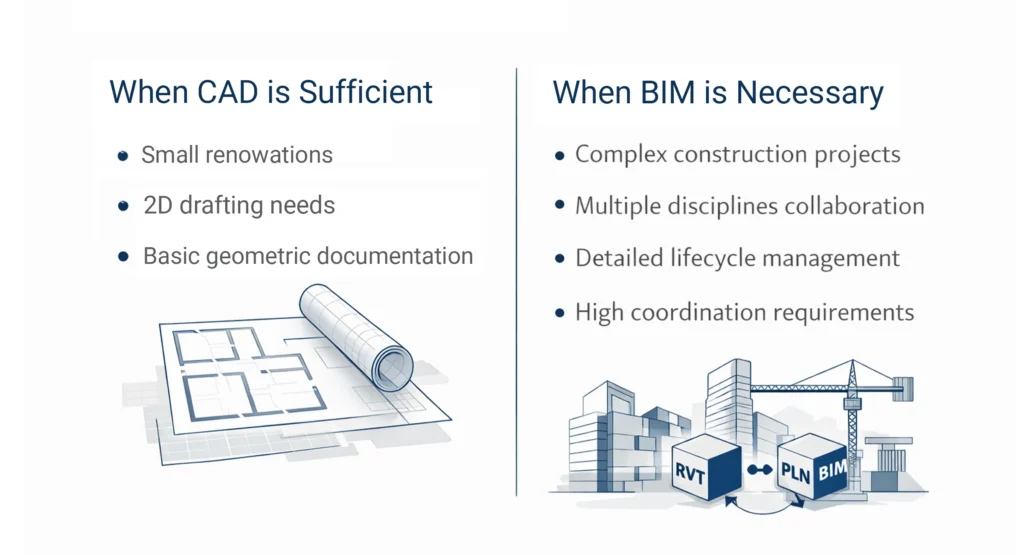
When CAD Is Sufficient
- Small renovations
- 2D drafting needs
- Basic geometry documentation
When BIM Is Necessary
- Complex construction projects
- Multiple disciplines collaboration
- Detailed lifecycle management
- High coordination requirements
BIM supports:
- Better project outcomes
- Reduced errors before construction begins
- Improved construction operations planning
- Integrated building management systems
In modern construction, full BIM implementation improves efficiency and transparency.
To understand why BIM matters across the industry, see what is BIM and why it matters in modern construction.
How BIM Files Support the Full Project Lifecycle
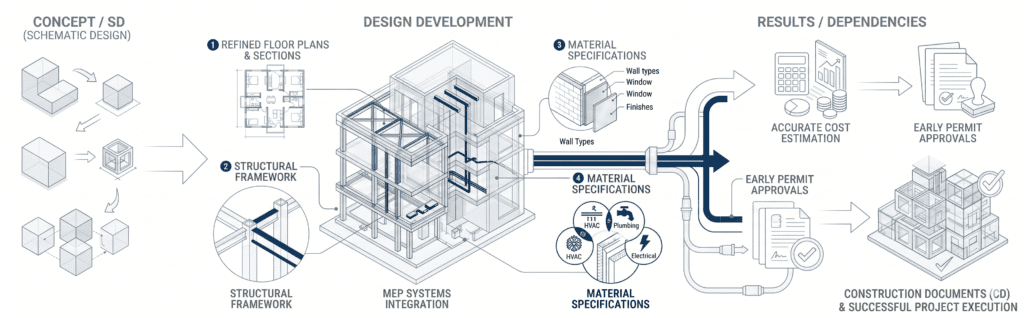
A major strength of BIM files is lifecycle coverage.
The project lifecycle includes:
- Concept design
- Detailed design
- Preconstruction planning
- Construction
- As built BIM model delivery
- Facility operations
During construction operations, BIM data supports:
- Maintenance tracking
- Asset lifecycle management
- Space management systems
- Integration with building management systems
The as built BIM model becomes a long-term asset for owners.
Because BIM files preserve structured data, they support long-term lifecycle management in ways CAD files cannot.
BIM Workflows and Collaboration Across Multiple Disciplines
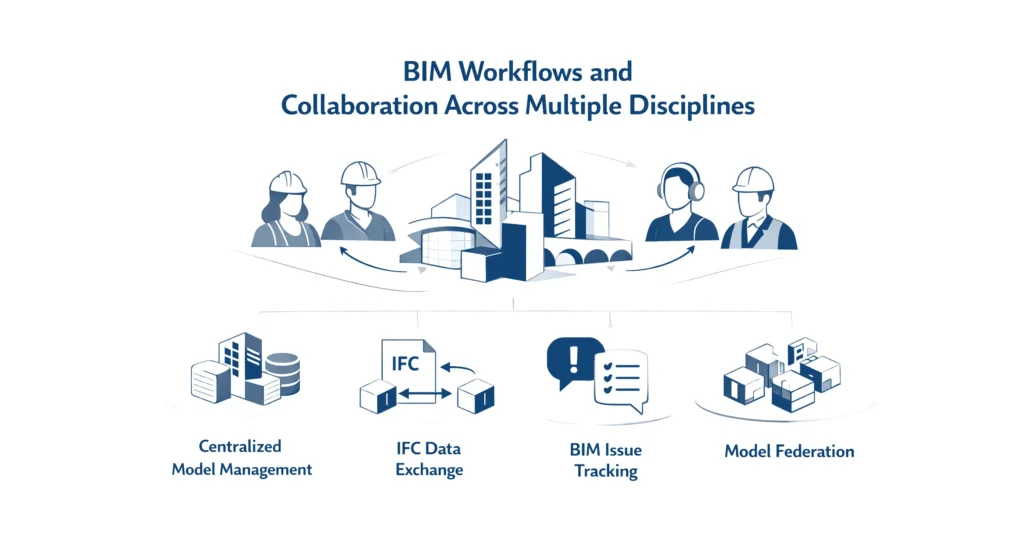
Modern bim workflows involve architects, structural engineers, MEP specialists, and contractors working simultaneously.
Key aspects include:
- Centralized model management
- Data exchange using IFC files
- Use of BIM Collaboration Format for issue tracking
- Model federation across software platforms
In large engineering projects, this coordination prevents costly conflicts.
Clash detection is a major component of the BIM process. Learn more about clash detection in BIM.
Because BIM supports multiple disciplines, it strengthens collaboration across the entire bim ecosystem.
CAD to BIM Conversion and Data Exchange Challenges
Many firms transition from CAD to BIM through cad to bim conversion.
Typical workflow:
- Import DWG files
- Convert CAD files into parametric objects
- Rebuild intelligent building elements
- Validate data integrity
However, converting a cad model into a fully functional bim model requires rebuilding structured data.
Challenges include:
- Loss of information
- Misaligned spatial relationships
- External references conflicts
- Inconsistent project files
Successful BIM implementation requires clear standards and coordination across project teams.
BIM Files in Engineering, Civil Infrastructure, and Commercial Projects
BIM files are widely used in:
- Civil engineering
- Structural engineering
- Infrastructure projects
- Commercial building projects
In complex construction projects, BIM improves:
- Construction sequences planning
- Risk mitigation
- Coordination between building systems
- Management of large project files
For large infrastructure programs, BIM supports bim infrastructure modeling and cross-disciplinary collaboration.
In commercial projects, high quality BIM models ensure accurate documentation before construction begins.
FAQ
What is a BIM file?
A BIM file is a digital building model containing geometry, structured data, and relationships between building elements.
How to open BIM files?
Use BIM software such as Autodesk Revit for RVT files or IFC-compatible software platforms for IFC files.
What are the main BIM file formats?
Common BIM file formats include RVT file format, IFC format, BIM Collaboration Format, PLN format, and PLA format.
How is BIM different from CAD?
CAD files store geometry. BIM files store intelligent objects, structured data, and lifecycle information.
Can you convert CAD files to BIM files?
Yes, through CAD to BIM conversion, but rebuilding intelligent building elements is often required.