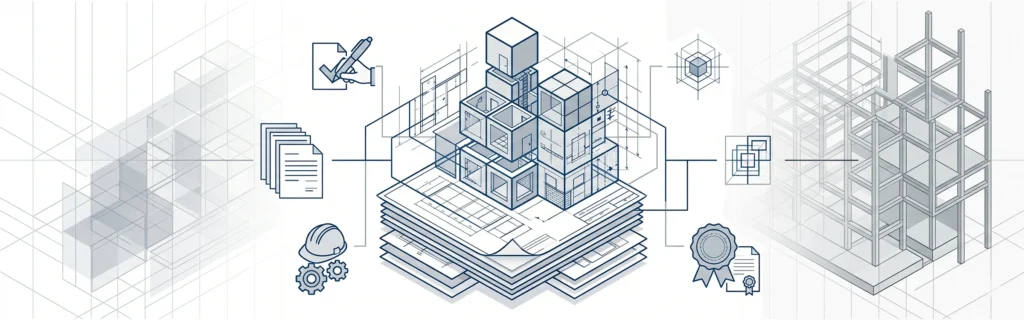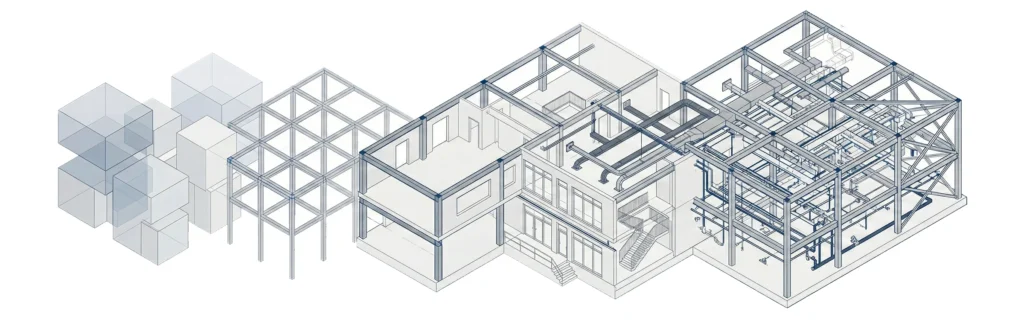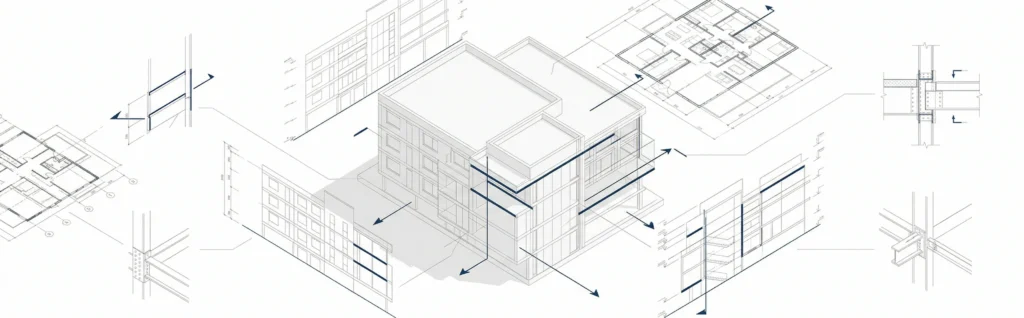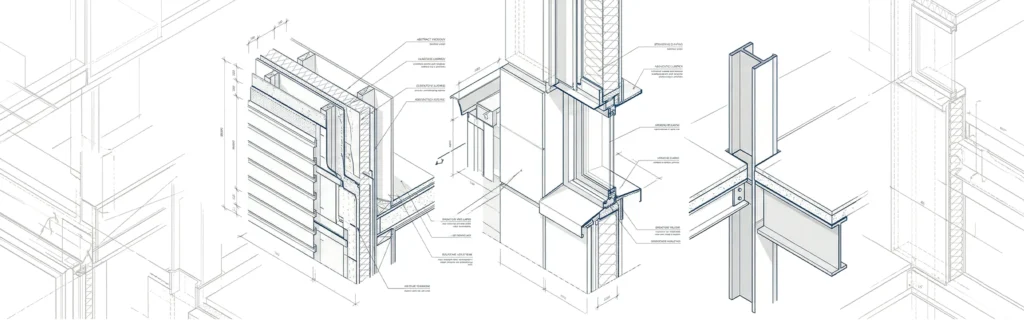
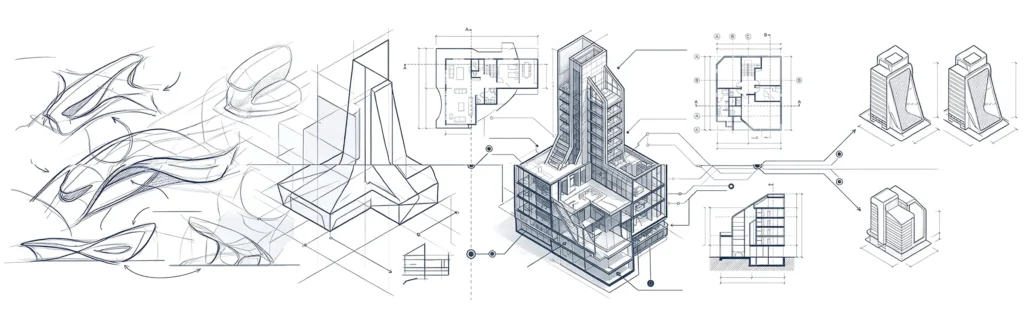

Architectural design and drawing is the core process used to create and communicate building ideas in real life. It connects creative architectural design with precise architectural drawing, allowing architects and designers to develop a coherent proposal for any building project.
Architectural design focuses on the concept, spatial relationships, and overall building design, while drafting translates that design intent into technical drawing formats used during construction projects. These drawings help project stakeholders understand the whole process-from early ideas to construction details.
Every architectural design drawing serves as a communication tool that helps project teams collaborate efficiently and avoid errors during the building process.
Fundamentals of architectural design and drawing
The fundamentals of architectural design and drawing combine creativity with structure. Whether working on commercial buildings or residential projects, professionals must follow clear rules.
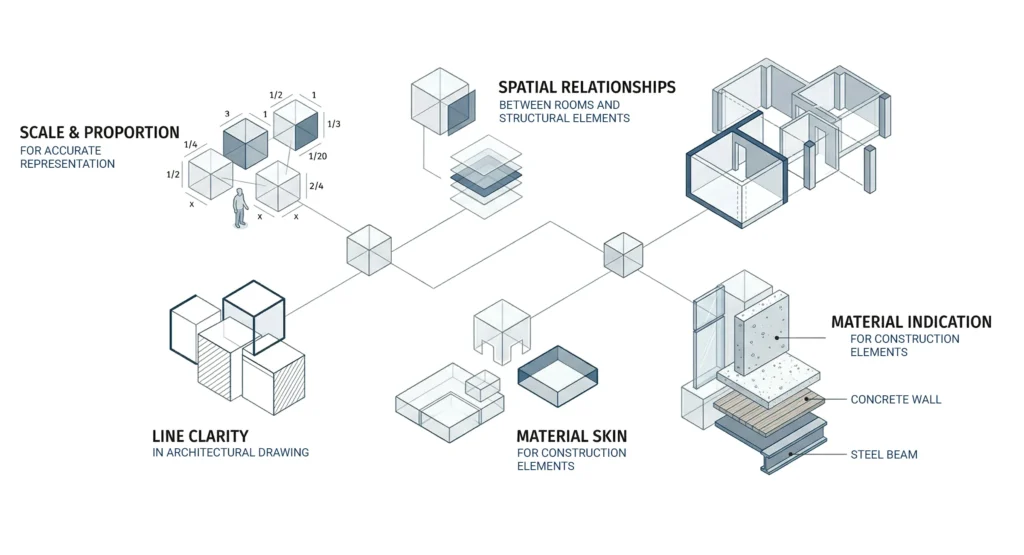
Key fundamentals include:
- Scale and proportion for accurate representation
- Spatial relationships between rooms and structural elements
- Line clarity in architectural drawing
- Material indication for construction elements
Modern workflows rely heavily on architectural design software and cad software to produce consistent architecture drawings across large scale construction projects.
Many architects use architectural CAD drawing systems to manage complex design process stages and maintain precision across the same project.
Key principles of architectural design
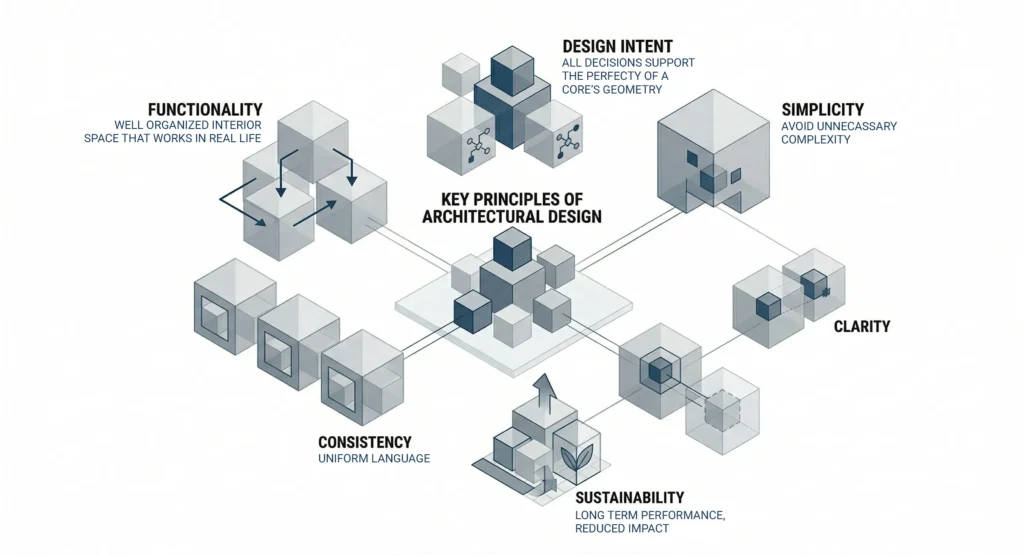
Strong architectural design is guided by principles that ensure both usability and clarity in architectural design drawings:
- Functionality – spaces must work in real life
- Design intent – every decision supports the original design idea
- Simplicity – avoid unnecessary complexity
- Consistency – maintain uniform architectural design language
- Sustainability – consider long-term performance
These principles help architects create architecture drawings that clearly communicate ideas to project stakeholders and construction teams.
What skills does an architectural designer need?
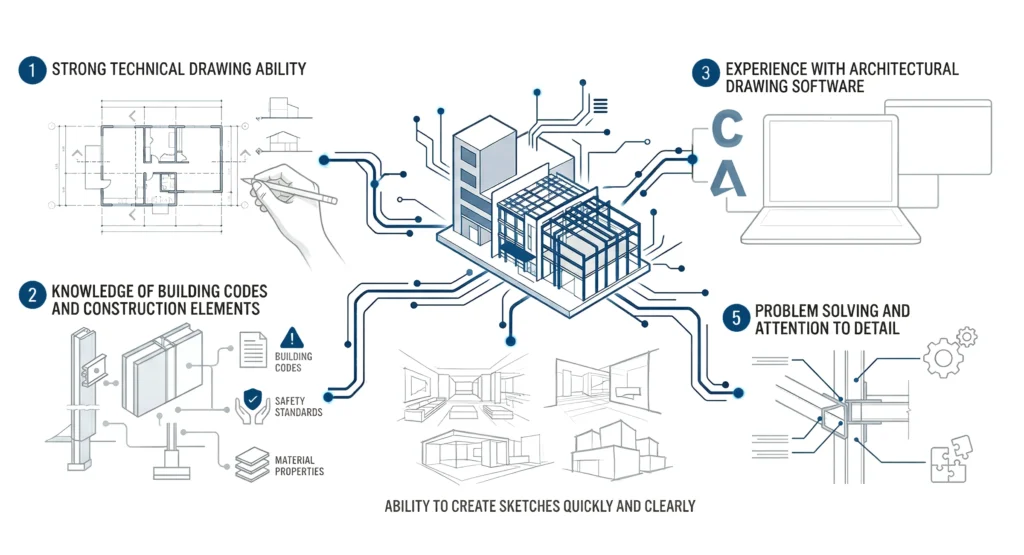
Professionals working in architectural design and drawing need both creative and technical skills:
- Strong technical drawing ability
- Knowledge of building codes and construction elements
- Experience with architectural drawing software
- Ability to create sketches quickly and clearly
- Problem solving and attention to detail
Architects and designers must also know how to communicate ideas effectively so clients visualize the design idea before construction begins.
Steps to create an architectural drawing
The drawing process in architectural design and drawing follows structured stages:
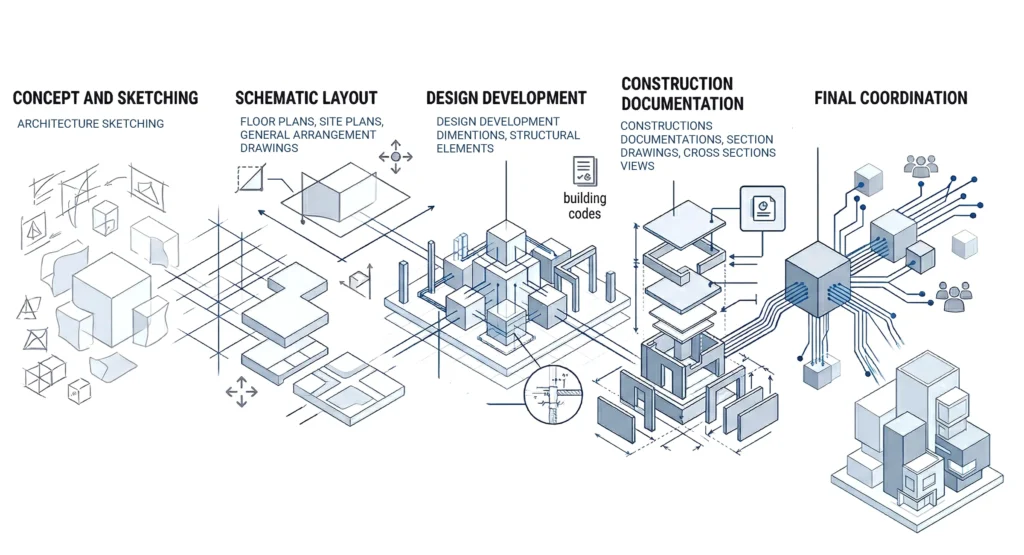
Concept and sketching
Start by using architectural sketching to create sketches and define the design idea.
Schematic layout
Develop floor plans, site plans, and general arrangement drawings that define spatial relationships and property boundaries.
Design development
Refine architectural design drawing with accurate dimensions, structural elements, and building codes compliance.
Construction documentation
Produce construction drawings, including section drawings, cross section views, and architectural drawing details.
Final coordination
Align all documentation with project teams and stakeholders to ensure smooth construction projects execution.For complex projects, companies often rely on architectural construction documentation services to streamline the whole process and reduce risks.
What tools are needed for architectural drawing?
Modern architectural design and drawing depends on a mix of advanced tools and software:
- Architectural drawing software like AutoCAD
- BIM platforms for information modeling
- Rendering software for visualization
- Tablets for architectural sketching
- Measurement and drafting tools
These powerful tools help architects create accurate architectural design drawings, improve collaboration, and save time during the building process.
AutoCAD vs Revit for architectural drawing
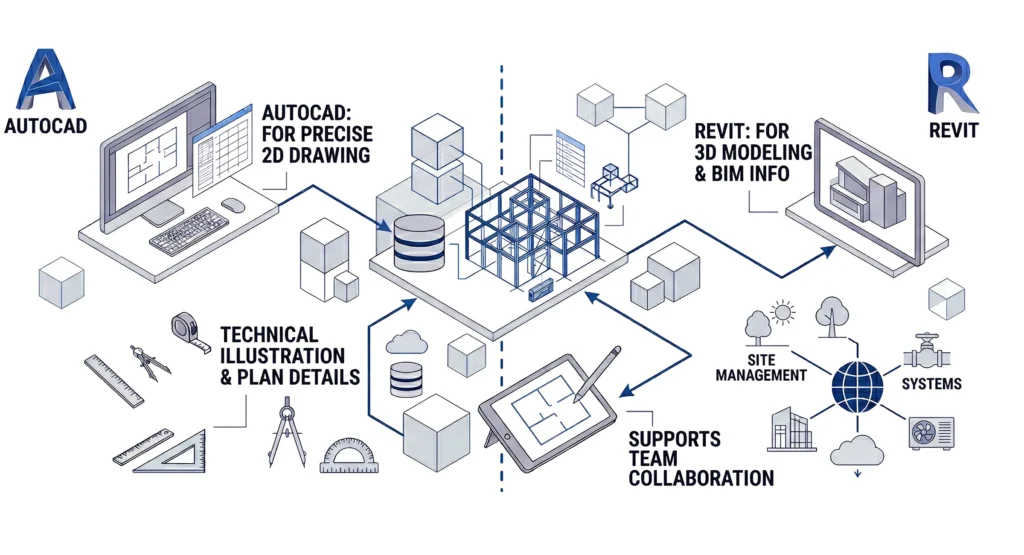
Two of the most common tools in architectural drawing software are AutoCAD and Revit, both part of Autodesk software.
- AutoCAD
- Best for precise 2D architectural drawing
- Ideal for technical illustration and plan details
- Revit
- Built for 3d modeling and information modeling
- Supports collaboration across project teams
Revit is better suited for large scale commercial buildings, while AutoCAD remains essential for detailed construction drawings. Many architects use both in the same project for efficiency.
Hand drawing vs computer-aided design in architecture
Manual drafting and computer aided design both play roles in architectural design and drawing:
- Manual drafting
- Useful for early design process
- Helps explore ideas freely
- Uses techniques like vanishing point and perspective
- Computer aided design
- Offers precision and scalability
- Allows quick updates in just a few clicks
- Supports complex junctions and construction details
Today, most architects combine both methods to create efficient workflows.
What are the different types of architectural drawings?
Architectural design and drawing includes multiple drawing types used across construction projects:
- Floor plans (horizontal plane layouts)
- Section drawings and cross section views (vertical plane cuts)
- Site plans showing property boundaries
- General arrangement drawings for overall layout
- Axonometric drawing for 3D understanding
Each type helps communicate specific aspects of the building design and ensures that project stakeholders understand the same object from different perspectives.
Architectural drawing for beginners
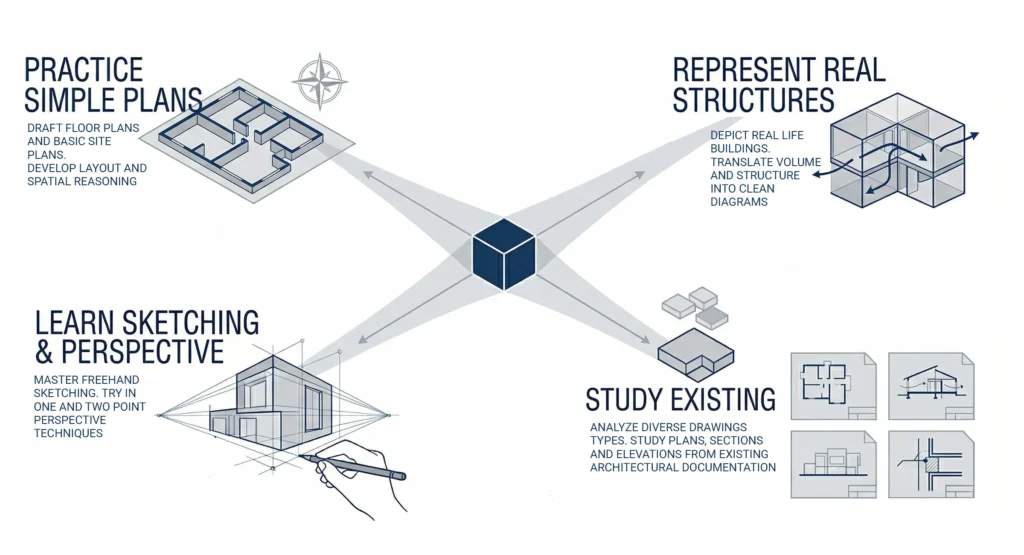
Beginners should focus on mastering the basics of architectural drawing:
- Practice simple floor plans and site plans
- Learn architectural sketching and perspective
- Understand how to represent real life structures
- Study architecture drawings from existing projects
Starting with manual drafting and gradually moving to design software helps build a strong foundation.
How to start learning architectural design as a student
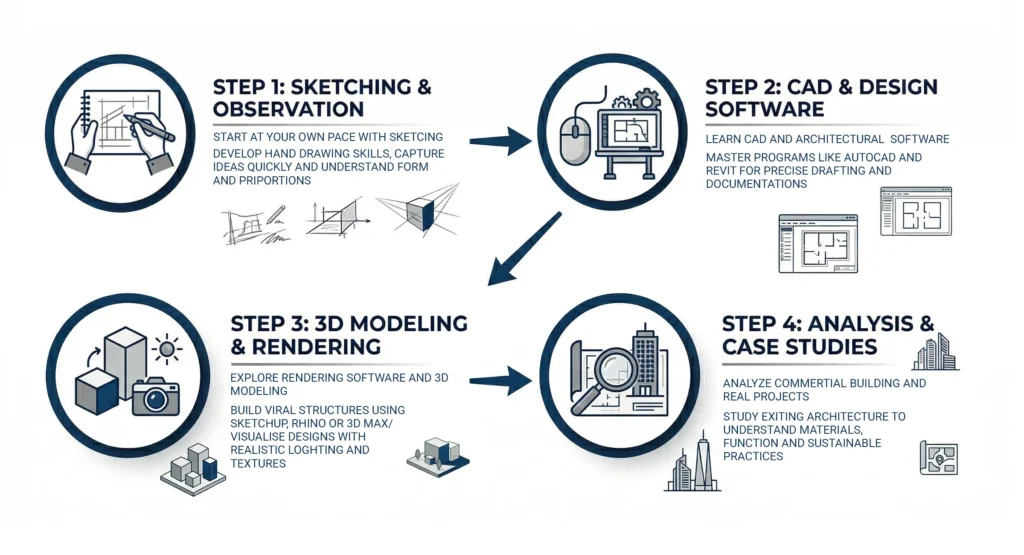
Students can learn architectural design and drawing effectively by following a structured approach:
- Start at your own pace with sketching
- Learn cad software and architectural design software
- Explore rendering software and 3d modeling
- Analyze commercial buildings and real projects
Many architects develop skills by working on small projects before moving to large scale construction projects.
Careers in architectural design
Architectural design and drawing offers multiple career paths in architecture:
- Architectural designer
- CAD specialist
- BIM coordinator
- Interior design expert
- Urban planner
Professional designers often work in design teams and collaborate with engineers, contractors, and project stakeholders on complex building projects.
Famous examples of modern architectural design
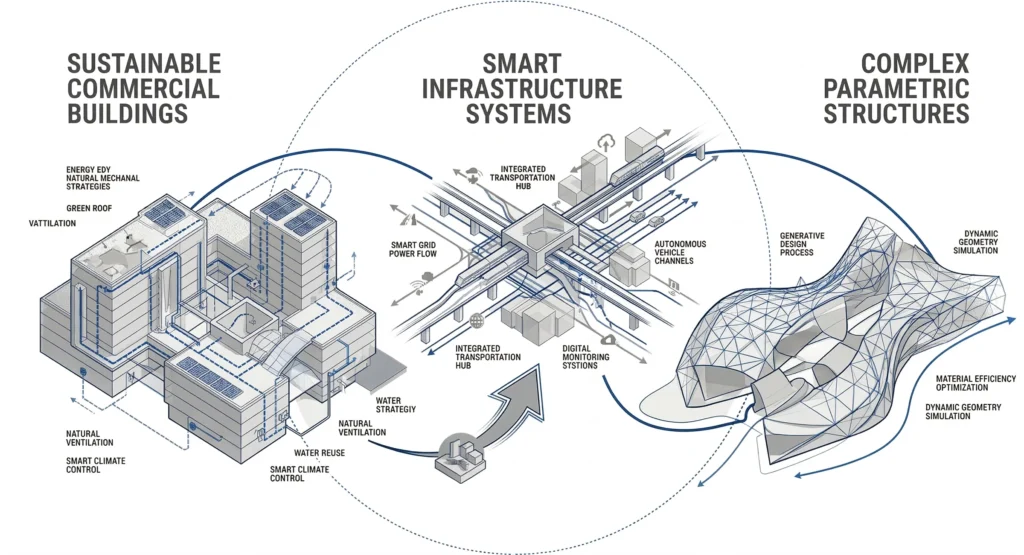
Modern architecture has evolved significantly since the twentieth century, driven by technology and innovation.
Today, architectural design and drawing is used to create:
- Sustainable commercial buildings
- Smart infrastructure systems
- Complex parametric structures
Many architects rely on advanced tools and design software to push the boundaries of building design and deliver high-performance projects.
FAQ
What is architectural design and drawing?
It is the process of creating and communicating building ideas through architectural design drawings and technical drawing documentation.
What software is used for architectural drawing?
Common tools include AutoCAD, Revit, and other architectural drawing software and rendering software.
What are construction drawings?
Construction drawings are detailed documents that guide construction projects and include floor plans, section drawings, and construction details.
How do architects communicate ideas to clients?
They use architecture drawings, 3d modeling, and visualizations to help clients visualize the final result.
Is computer aided design necessary today?
Yes, computer aided design is essential for accuracy, efficiency, and collaboration in modern architecture projects.
How can beginners start architectural drawing?
Start with manual drafting, learn basics, and gradually move to architectural design software.
If you need support with architectural design and drawing workflows or real project documentation, you can reach out here:https://mast-team.com/contact/