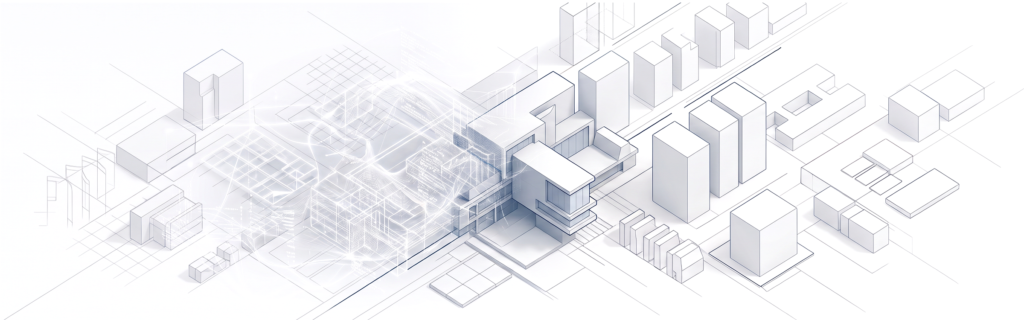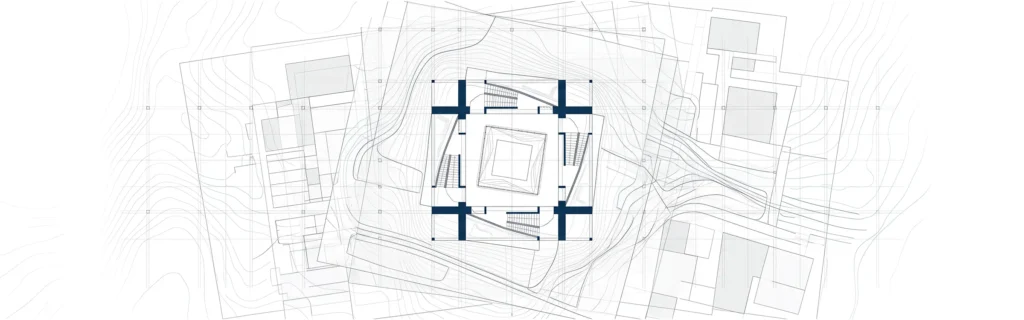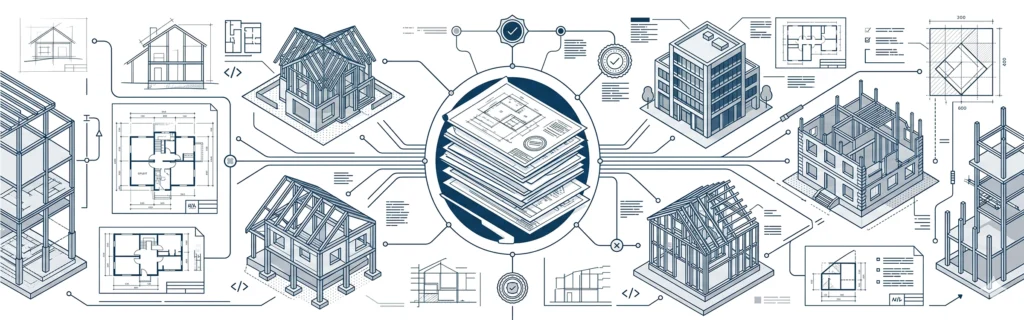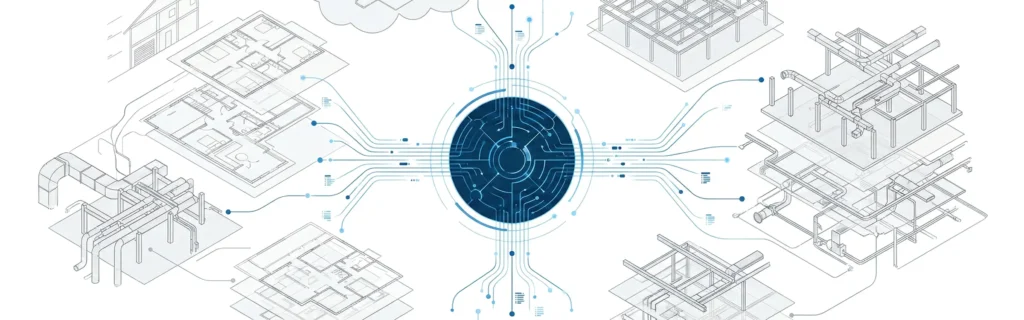

Architects and designers no longer have to choose between speed and creativity when exploring new ideas. AI concept design gives design teams a faster way to move from a blank canvas to a workable design direction, without replacing the judgment that turns a concept into a buildable project. This guide looks at what AI concept design actually means, how to bring it into your design process, and where it fits alongside traditional methods.
What Is AI Concept Design?
AI concept design is the use of artificial intelligence, generative AI, and trained AI models to help architects and designers produce design concepts during the early stages of a project. Instead of starting entirely from scratch, a designer can describe a site, a style, or a mood, and let an AI tool generate a first round of ideas to sketch out and refine.
This is not about removing the designer from the process. AI concept design tools are best used to explore direction and context quickly, so the team can focus its time on the ideas with the most potential. The output is rarely final – it’s a starting point that still needs a trained eye to judge quality, proportion, and buildability.
For teams that already follow a structured approach to architectural design and drafting, AI concept design slots in naturally at the very beginning of that process, before drawings become technical.
How to Use AI in the Concept Design Process
Bringing AI into your design workflow works best as a series of deliberate steps, rather than a single prompt and a finished result. The process below gives designers more control over the outcome while still using AI to speed up the early stages.
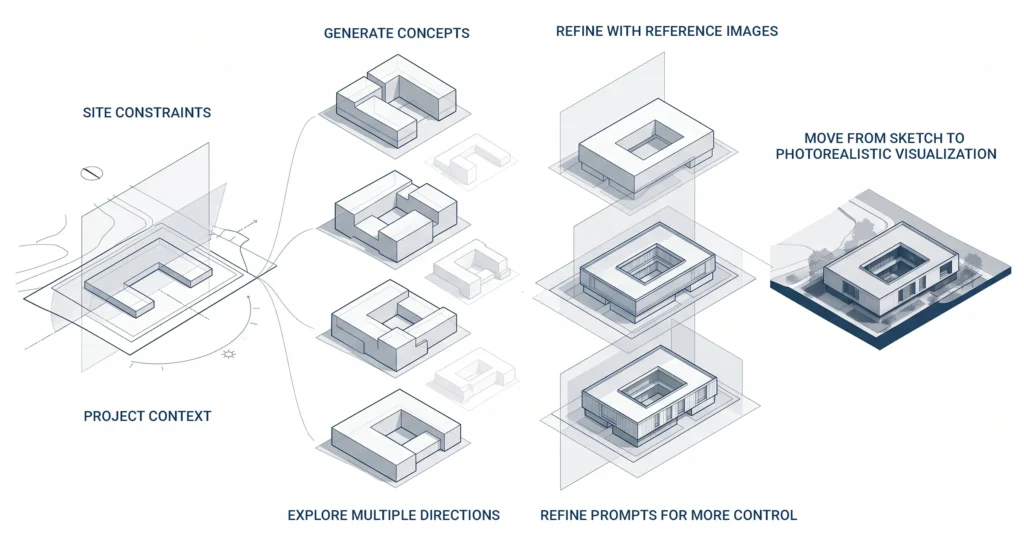
Start With Site Constraints and Project Context
Before generating anything, feed the tool the project context: site constraints, orientation, climate, and the brief from the client meeting. AI models produce far better concepts when they understand the landscape and limitations they’re designing within, rather than working from a blank prompt.
Generate Concepts and Explore Multiple Directions
Once the context is set, use the tool to generate several design concepts in parallel. This is where AI concept generation earns its value – instead of one idea, a designer can explore five or six directions in the time it used to take to sketch one. Compare the results, note which ideas solve the brief best, and discard the rest.
Refine With Reference Images and Prompts for More Control
A single prompt rarely produces the exact style a project needs. Uploading reference images alongside a written prompt gives an AI design tool more to work with, and gives the designer more control over material, lighting, and overall direction. Iterating this way, prompt by prompt, is closer to how a designer would refine a sketch by hand – editing a single image rather than starting over each time.
Move From Sketch to Photorealistic Visualization
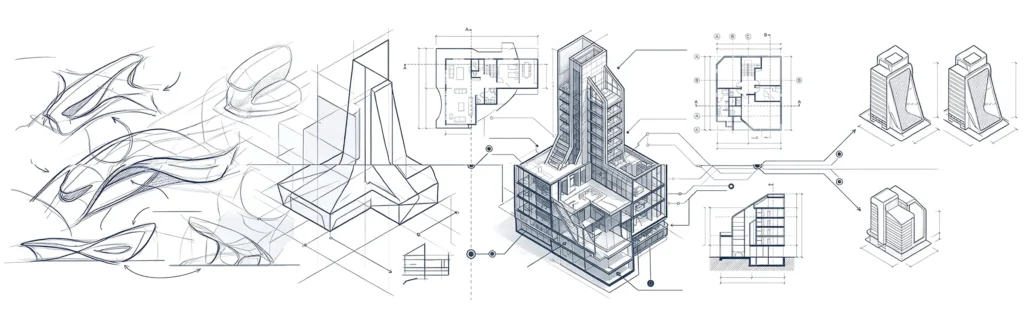
Once a concept holds up, the same AI tools can push it from a rough sketch to a photorealistic visualization, complete with materials, lighting, and landscape context. This is useful for early client presentations, where a polished image communicates an idea faster than a technical drawing at this stage of a project.
This process mirrors the logic behind a structured architectural planning approach: define constraints, explore options, then narrow toward a single design direction before committing resources to detailed drawings.
Examples of Concept Designs Created by AI
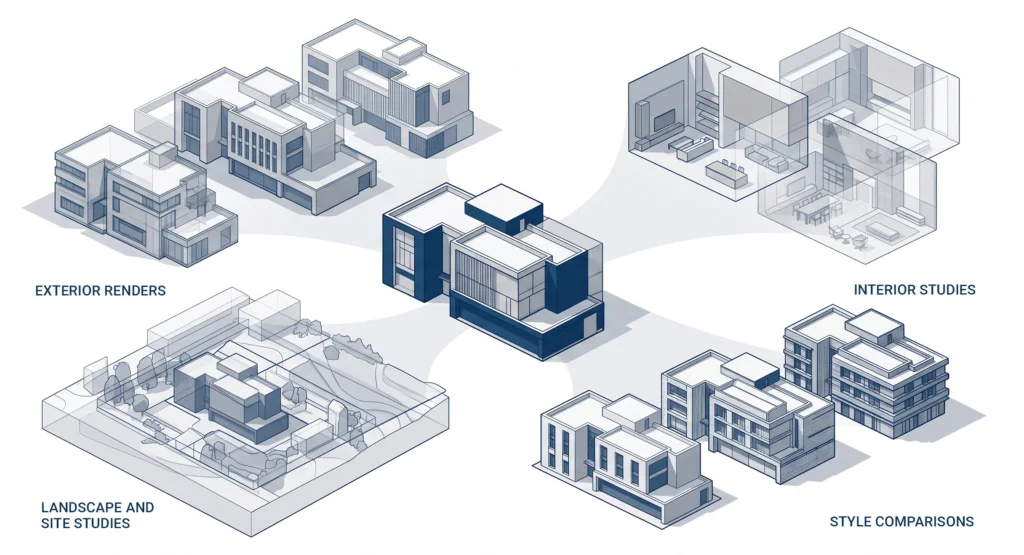
The clearest way to understand AI concept design is to see it in practice. AI-generated concepts typically fall into a few recognizable formats:
- Exterior renders exploring different massing, materials, and facade styles for the same floor plan
- Interior mood studies testing lighting, texture, and material combinations
- Landscape and site studies showing how a design concept sits within its context
- Style comparisons, where the same concept is rendered in several architectural styles from a single image
Reviewed as a gallery rather than one output at a time, these examples make it easier for architects, engineers, and clients to align on direction early, before a floor plan is locked in.
AI Concept Design Workflow vs Traditional Methods
Traditional concept design relies on hand sketching, physical or digital massing models, and iterative reviews between architects and engineers. It gives a design team full precision and control over every detail, but each round of ideas takes time to produce and revise.
An AI-driven design workflow changes the key metrics that matter early in a project. Speed increases significantly, since generating and comparing concepts takes minutes rather than days. The trade offs are around control: AI output still needs a designer’s judgment to check design quality, structural logic, and buildability before it moves forward.
In practice, most collaborative teams use both. AI handles the volume of early exploration; traditional methods, including a proper schematic design phase, still carry the concept through to a design that engineers and contractors can build from.
Choosing the Right AI Design Tools
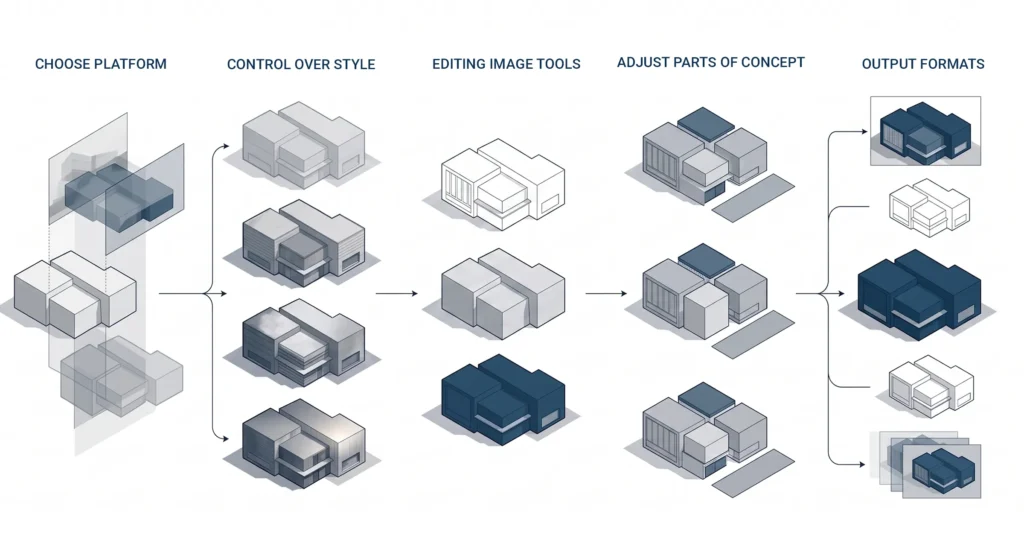
Not every AI design tool is built for architecture. When evaluating an AI design generator or AI agent for concept work, look at:
- Whether the platform supports reference images, not just text prompts
- How much control it gives over style, materials, and lighting
- Whether it can edit and iterate on a single image rather than generating a new one each time
- Support for canvas-based editing, so a designer can adjust specific parts of a concept
- Output formats, including photorealistic visualization and, in some tools, short videos of a concept from multiple angles
The best tools treat AI as a way to enhance a designer’s creativity and speed up early practice, not as a replacement for the ability to judge a good design concept. As these platforms continue to develop, expect more ways to combine AI generation with precise geometry and site data, closing the gap between a fast concept and a technically sound one.
If you’re exploring how AI concept design could fit into your next project, MastTeam’s architectural design services team can walk through where it fits into your workflow. You can contact MastTeam to discuss a specific project or brief.
FAQ
What is AI concept design?
AI concept design is the use of AI tools and models to help architects and designers generate design concepts, sketches, and visualizations during the early stages of a project.
How do architects use AI in the concept design process?
Architects typically take into account site constraints and project context, produce a few concepts with an AI tool, refine them using reference images and prompts, and then develop the most promising direction into a photorealistic visualization.
Are AI-generated concept designs accurate enough to build from?
No. AI concept designs are a starting point for exploration of ideas and direction. They still need to go through schematic design and technical drawing before building.
What is the difference between an AI concept design workflow and a traditional one?
An AI-driven workflow is quicker at generating and comparing early ideas while a traditional workflow delivers more precision and control at each step. Most design teams use a hybrid of the two.
What should I look for in AI design tools for architecture?
Look for tools that support reference images, give control over style and materials, allow editing of a single image, and offer canvas-based refinement rather than one-shot generation.
Can AI concept design replace an architect or designer?
No. AI speeds up early-stage idea generation, but a designer is still responsible for design quality, buildability, and turning a concept into a finished project.